
01
Slides with a voice
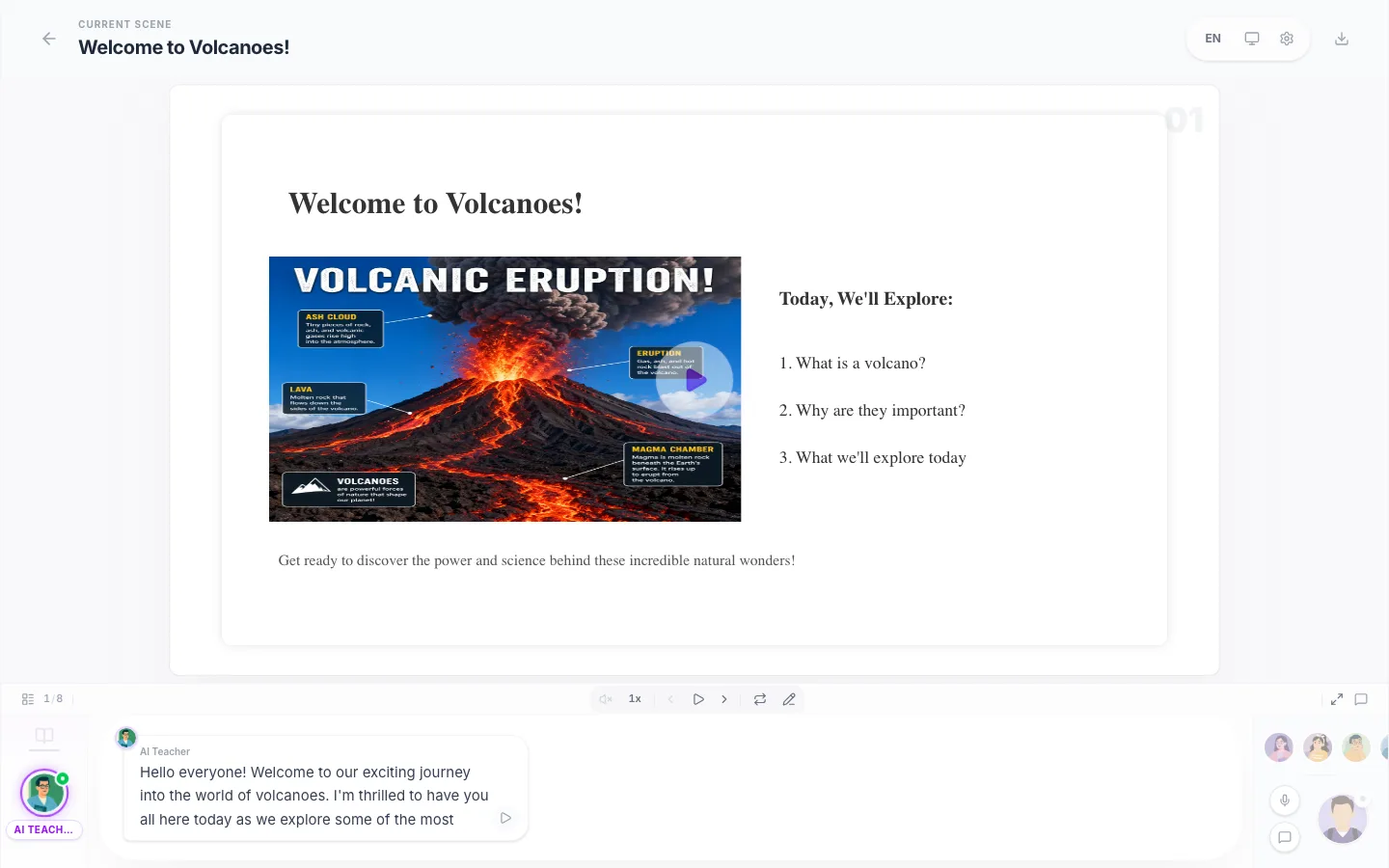
Every scene comes with natural narration, so you can listen and follow instead of decoding another long answer.
Ask about any topic or upload a PDF. Hi AI Tutor turns it into a narrated, interactive lesson with clear explanations, examples, visuals, and a quiz to check what you learned.
Which step turns vapor back into water?
Everything below came from a single 4-minute generation.
Self-grading quizzes with explanations, from a PDF or a topic.
Turn notes or a chapter into a deck you can drill.
Condense any material into a structured study guide.
A ready-to-teach lesson plan from one topic line.
Build a multi-lesson course around your material.
Drop a PDF, get a graded quiz from its actual content.
Every scene comes with natural narration, so you can listen and follow instead of decoding another long answer.
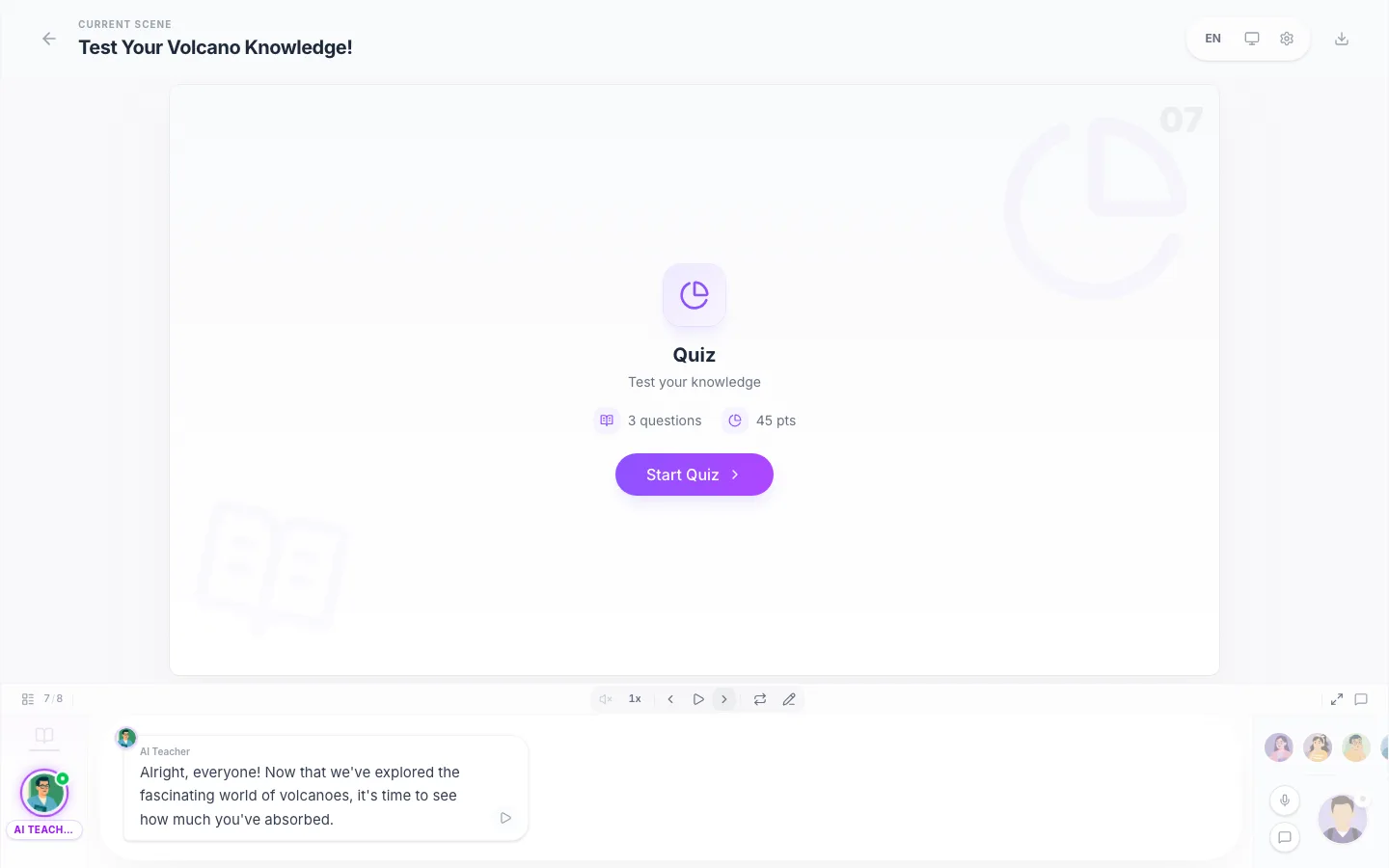
Comprehension checks are generated from your material and graded instantly, with explanations for every wrong answer.
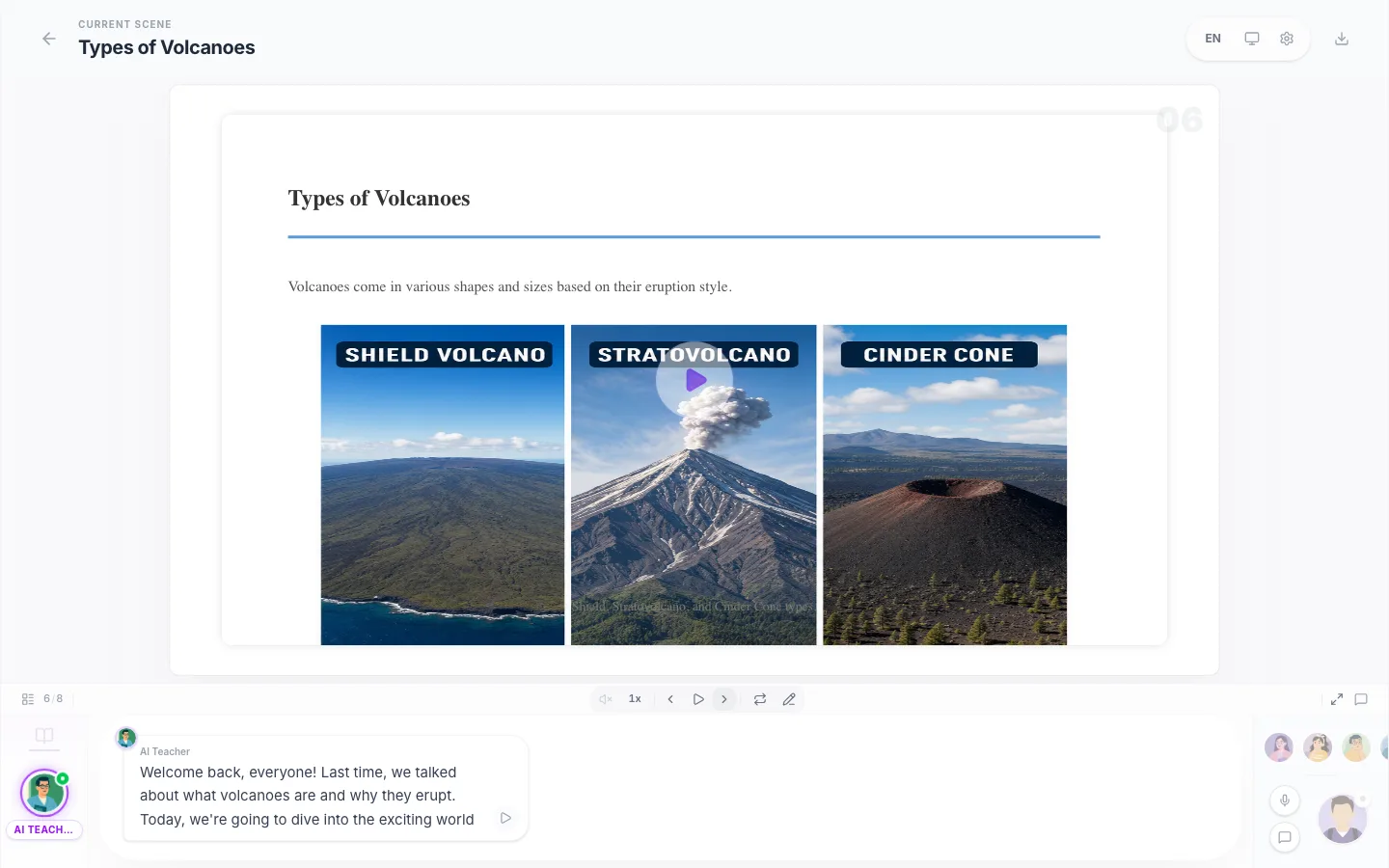
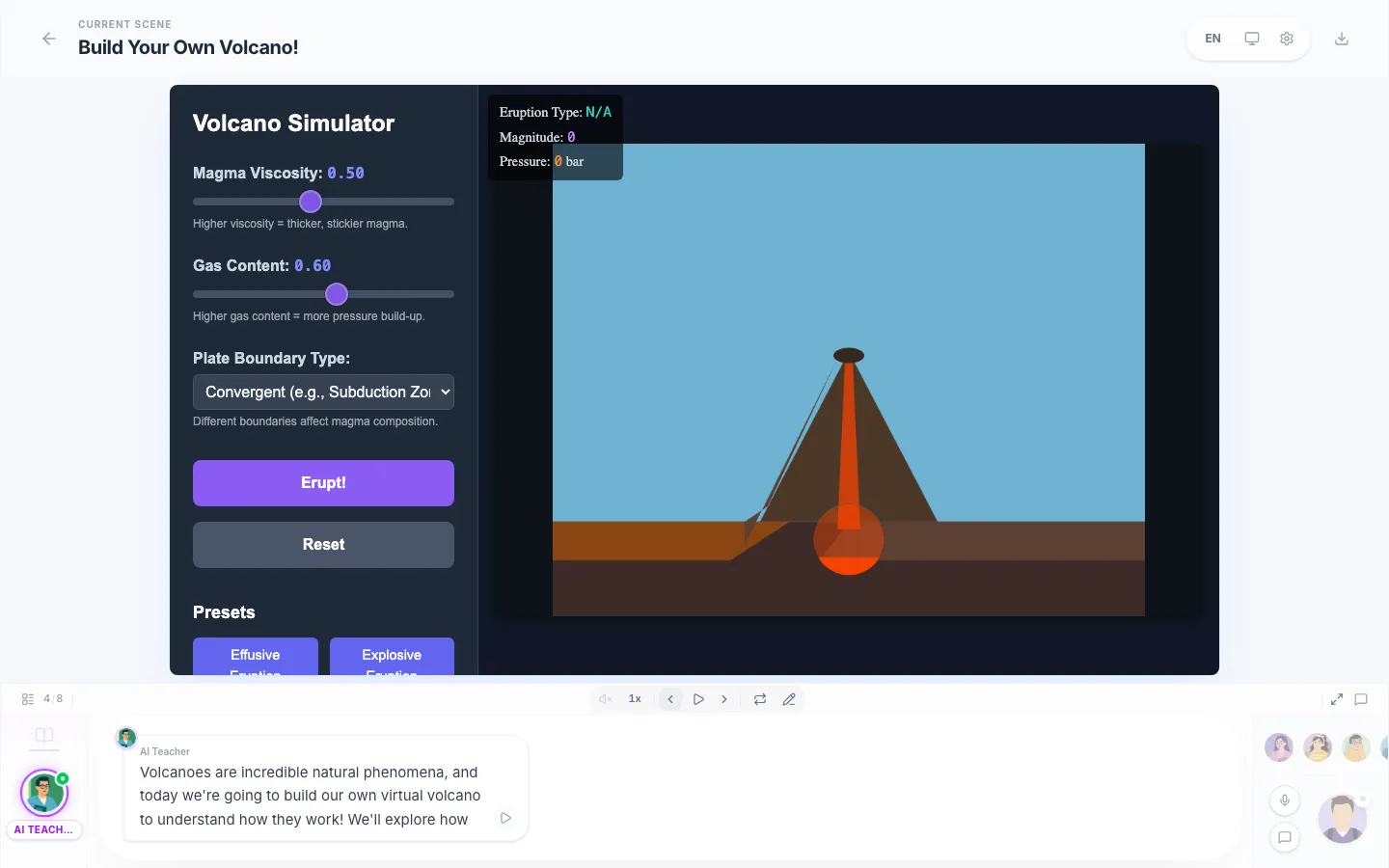
Charts, animations, and interactive demos appear where they make an abstract idea easier to understand.
Download an editable PowerPoint or a self-contained offline package. Your lesson works in places with no internet at all.
Use lecture notes, a textbook chapter, a paper, or just a question. Your lesson stays grounded in the material you provide.
Tell your AI tutor what you want to understand, follow the explanation, then prove it to yourself with practice.



Drop in lecture notes, a paper, or a textbook chapter - or just type the idea that is confusing you. One line is enough to start.
Waiting to start...
The outline appears in seconds, then each scene fills in: narrated slides, a quiz, and interactive moments where the topic calls for them.
Follow the lesson with narration, repeat the quiz, export an editable PowerPoint, or regenerate any scene you want explained differently.
Turn the chapter you do not understand into a guided explanation, then repeat the quiz until it sticks.
Go from a passing question to a visual, narrated lesson without searching through ten disconnected pages.
Build a study lesson from your notes, identify weak points with graded questions, and revisit only what needs work.
Break down a technical paper, certification chapter, or unfamiliar work concept at the level you need.
Turn source material into a reusable narrated lesson with visuals and a built-in comprehension check.
Time to a full lesson
~4 min
From submitting your PDF or topic to a narrated, playable lesson.
Scenes per lesson
6-12
Slides, quiz checkpoints, and interactive moments - sequenced automatically.
Free full lessons on signup
2
Your first two lessons include narration and visuals - the complete experience, no card required.
Hi AI Tutor is an AI tutor that turns your question, topic, notes, or PDF into a complete interactive lesson. It explains the idea with narrated slides, examples, visuals, self-grading quizzes, and hands-on simulations when they help.
Summary tools compress your material into more text. Hi AI Tutor sequences it into scenes, explains each step aloud, builds the quiz, and adds interactive visuals. You follow a lesson instead of reading another answer block.
A typical lesson has 6-12 scenes: narrated slides that build up the topic, one or more quiz checkpoints graded instantly with explanations, and - where the topic benefits - an interactive simulation, chart, or exercise. You can regenerate or edit any scene.
Signing up gives you 2 complete lessons with narration and visuals - the full experience, no credit card. After that, the free plan includes 3 lessons per month in fast mode (no narration or images). Paid plans start at $4.99/month billed annually.
Paid plans export an editable PowerPoint file or a self-contained offline package that plays without internet - useful for classrooms with restricted networks. Free lessons play online in Hi AI Tutor.
Fast, Smart, and Ultra. Free-plan monthly lessons use Fast. Paid plans build every lesson with Smart, and Pro unlocks Ultra - our strongest tier - plus longer lessons of up to 28 scenes. Interactive simulations always use a top-tier engine on every plan.
Yes - cancel in one click and keep access until the end of your billing period. Unused monthly credits roll over up to one extra month's worth, so a slow month is not wasted money.